SYNTERRA Industry Solutions

Less routine. Your business stays in control.

Fewer calls to staff, manual reconciliations and trips just to check on things. Choose your business format: SYNTERRA software brings POS, inventory and accounting together so you can see sales, stock and results, with more attention for business growth and your own life.
Sales and stock at handFewer manual checksOne location or a chain
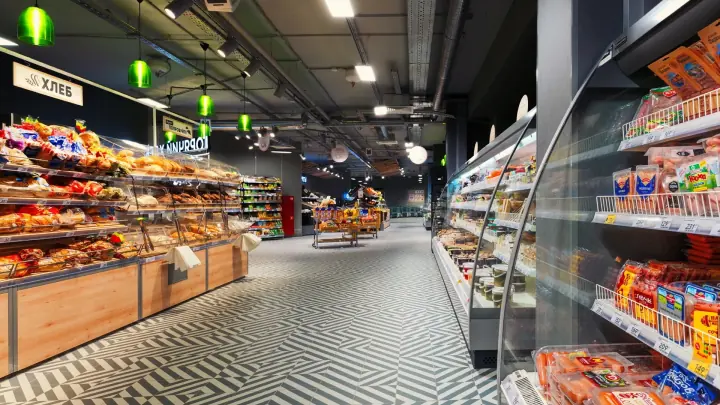
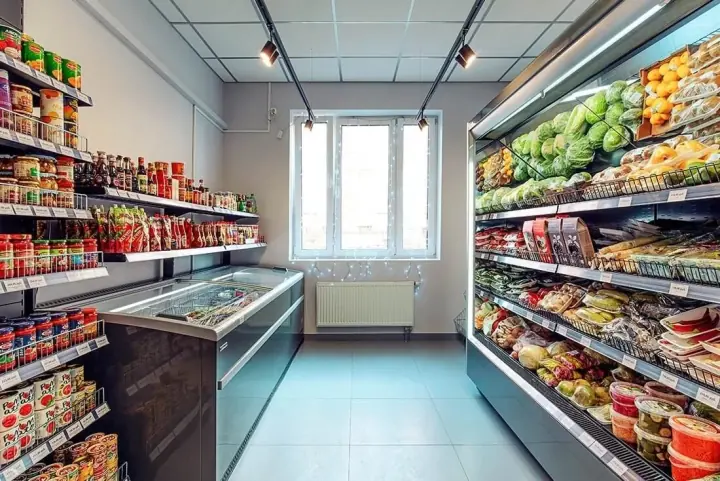
SYNTERRA program for supermarket
Supermarkets
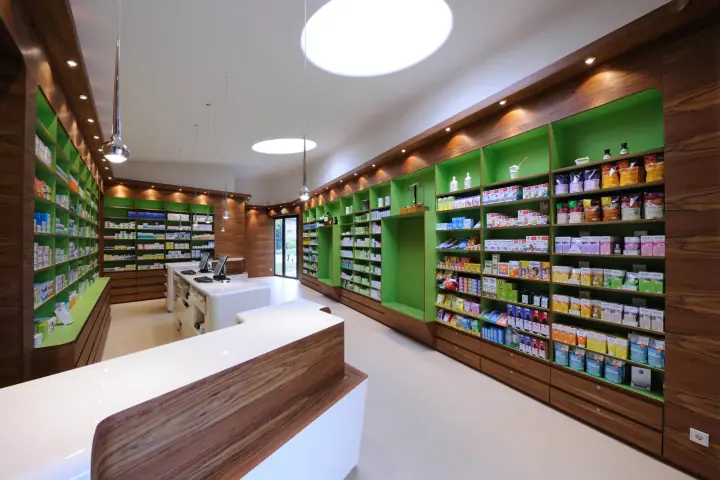
SYNTERRA program for pharmacy
Pharmacies
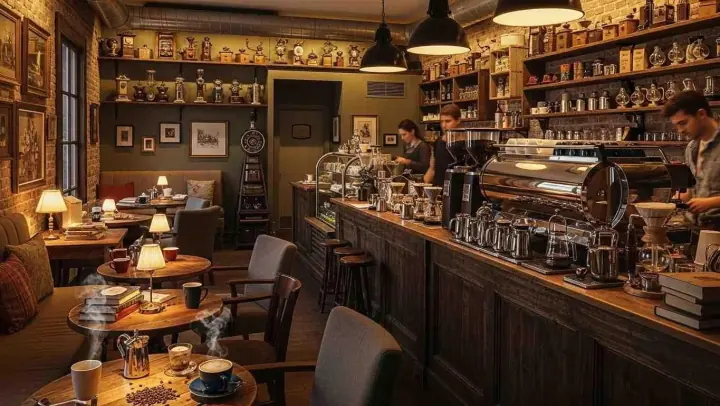
SYNTERRA program for cafe
Cafe
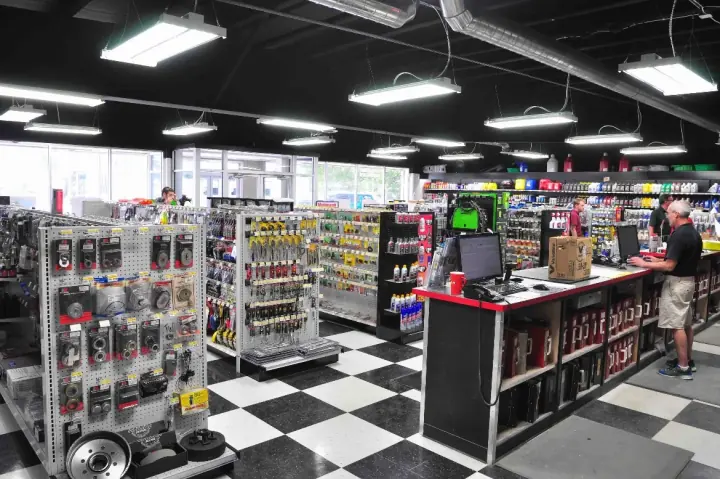
SYNTERRA program for tool rental
Tool rental
Choose your scenario

Which daily tasks can your setup reduce?

Each card starts with the result for the owner, followed by the features that help deliver it. Open your business format to see how POS, inventory and accounting work together.

39 solutions shown

Trade and retail

See sales and stock without collecting reports from every location. POS and inventory support your control of goods and purchasing.
Supermarket automation
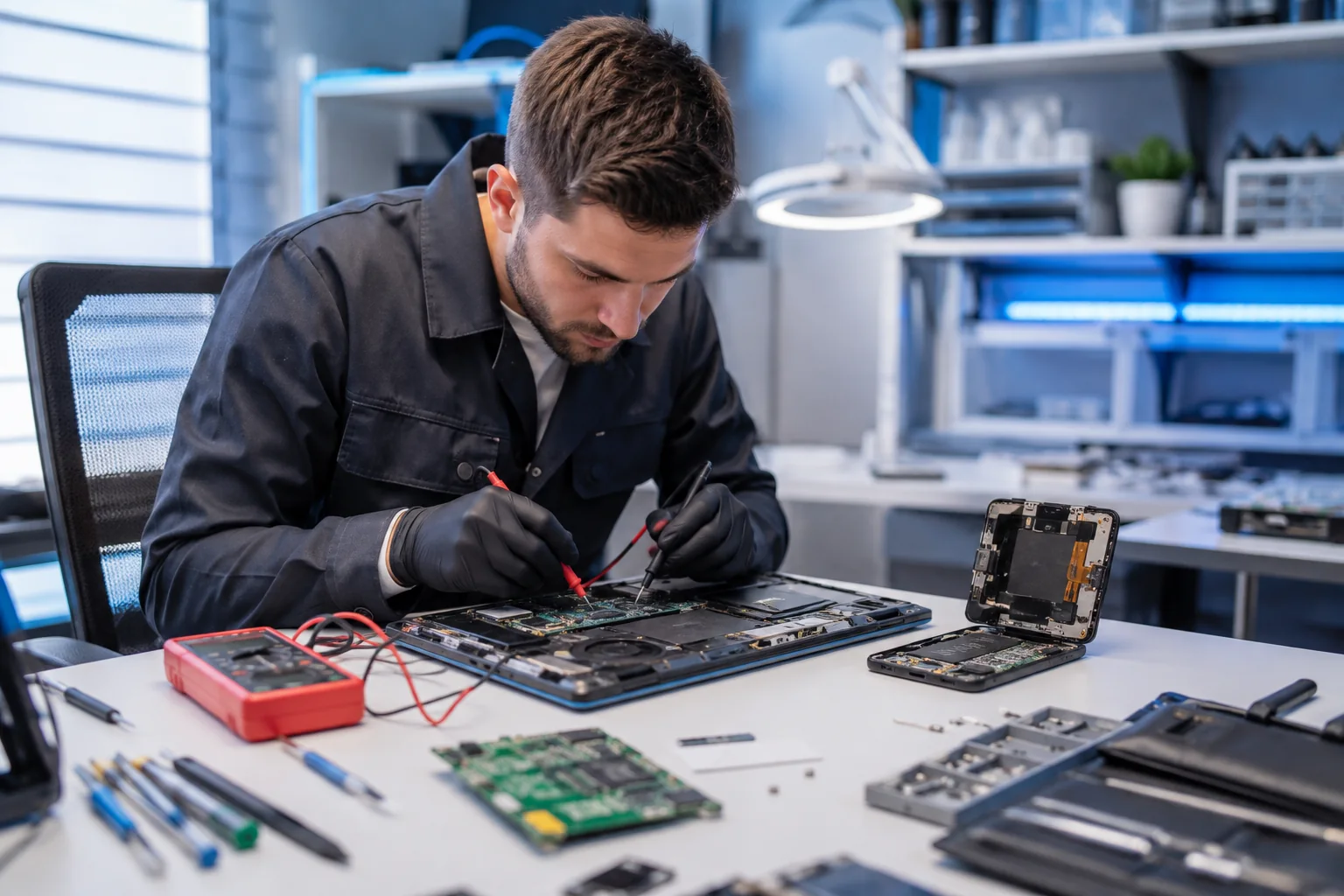
SupermarketsSee location results without calling every shift.Fast checkout, large catalog, stock balances, and network of points
→
Automation of a grocery store
Grocery storesCheck sales and stock without visiting the store.Sales, terms, purchases, and daily control.
→
Accounting Program for Pharmacies
PharmaciesFewer manual checks of batches and expiry dates.Batches, expiration dates, ASP stock and reports
→
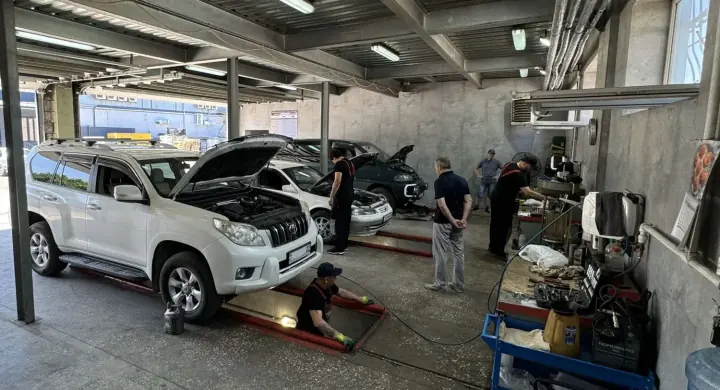
Auto Parts Store Automation
Auto PartsCheck availability without calling the warehouse.Articles, analogues, selection, and stock balance
→
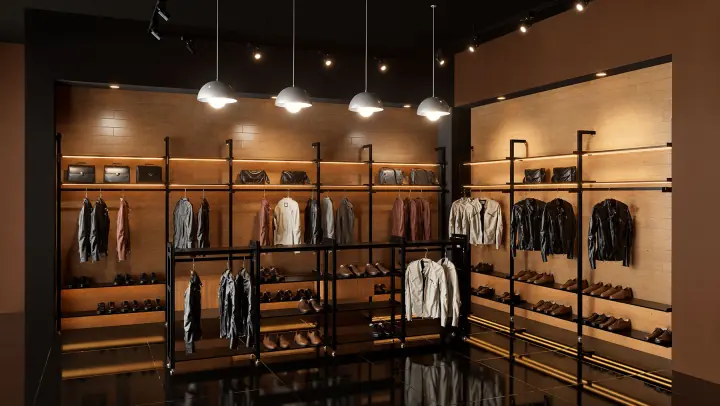
Clothing and Footwear Store Automation
Clothes and shoesSee stock by size without manual reconciliations.Sizes, colors, collections, and item movement
→
Cosmetics Store Automation
Cosmetics and perfumesCompare sales and inventory in one view.Assortment, consultants, stock, and sales
→
Automation of an electronics store
ElectronicsCheck prices and availability without separate spreadsheets.Models, accessories, prices, and stock
→
Building Materials Store Automation
Building materialsSee large orders and warehouse status together.Units of measurement, warehouse, and bulk orders
→
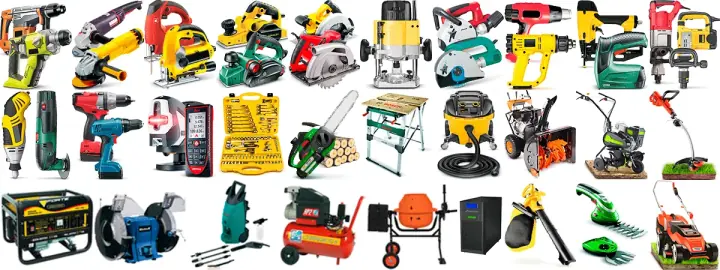
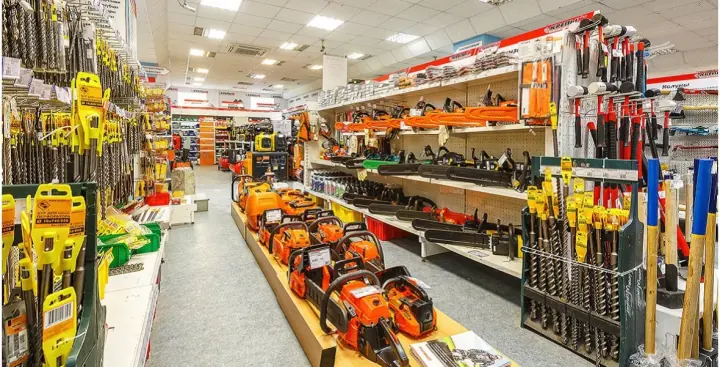
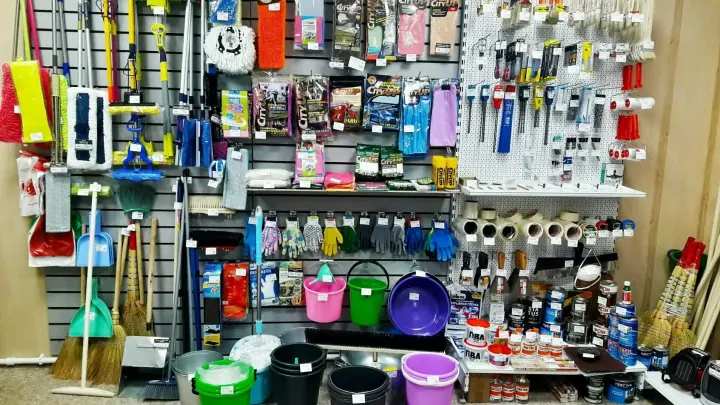
Automation of a hardware store
Household goodsPlan purchases from stock figures, rather than memory.Categories, purchases, stock and fast sales
→
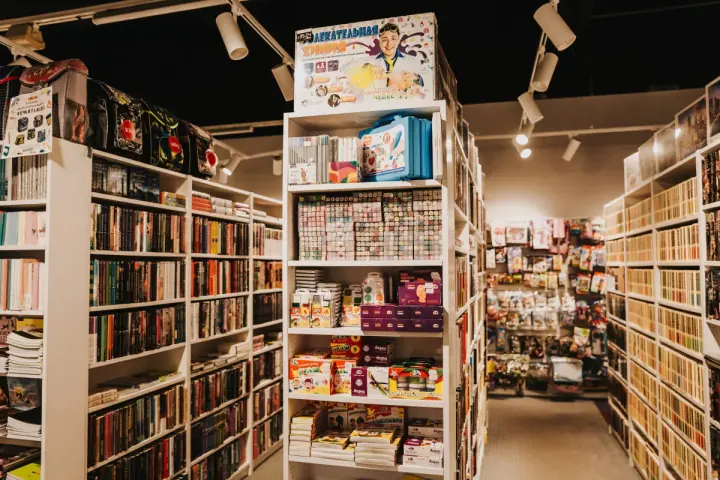
Book and Stationery Store Automation
Stationery and booksLess manual searching through a large assortment.Large assortment and clear product navigation
→
Jewelry Store Automation
Costume jewelry and accessoriesSee collection sales and stock without separate tallies.Collections, options, prices, and personal sales
→
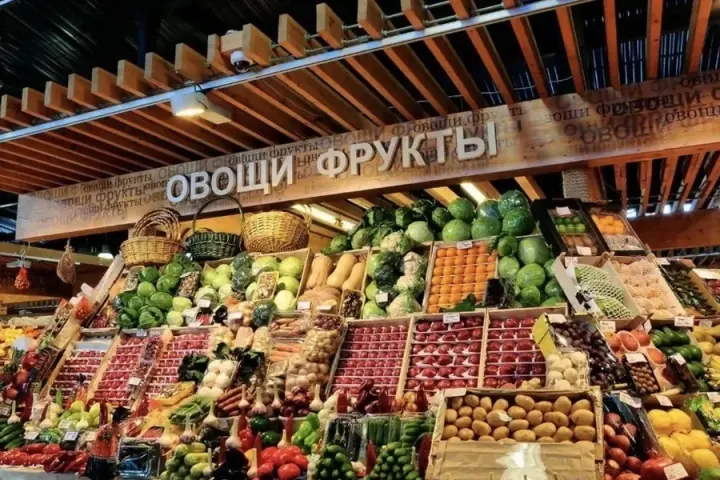
Fruit and Vegetable Store Automation
Vegetables and fruitsCompare purchases and write-offs in one system.Weighted product, purchases, write-offs, and balances
→
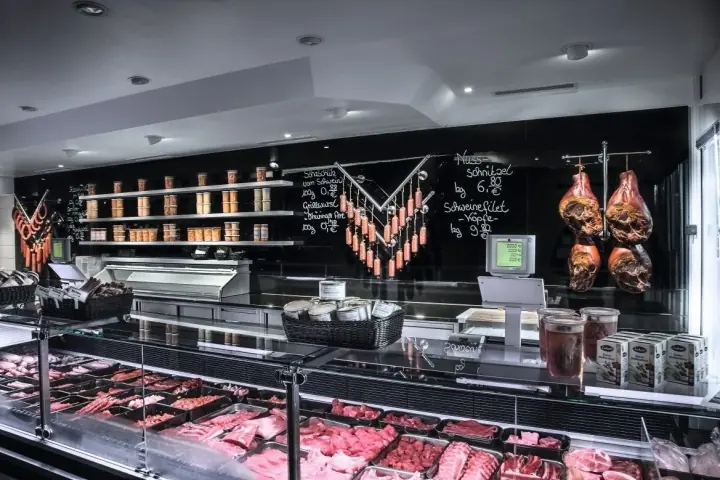
Automation of a butcher shop
Butcher shopSee write-offs and stock without separate summaries.Weight, cutting, balances, and write-off control
→
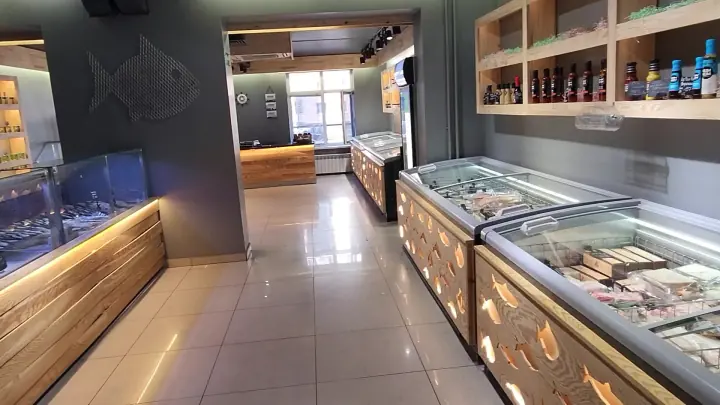
Automation of a fish store
Fish shopCompare purchases and sales without manual summaries.Freshness, weighted goods, procurement, and sales
→
Draft Beverage Store Automation
Draft beveragesCheck drink stock and POS results together.Liters, containers, snacks, balances, and cash operations
→
Flower shop automation
Flower shopsSee orders and write-offs without gathering messages.Bouquets, components, write-offs, and orders
→
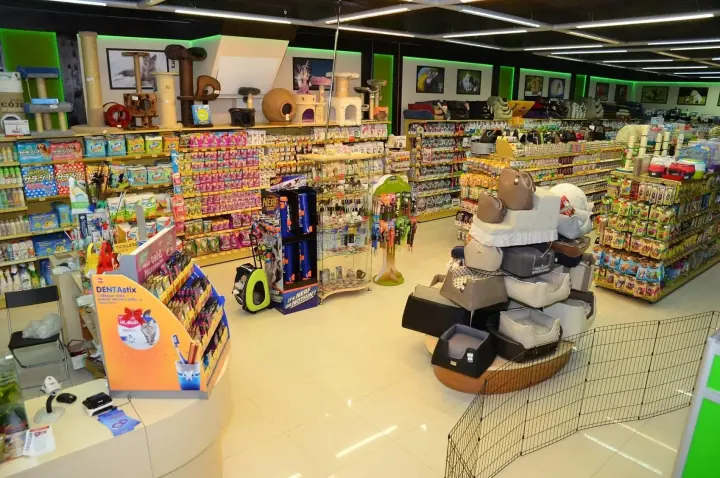
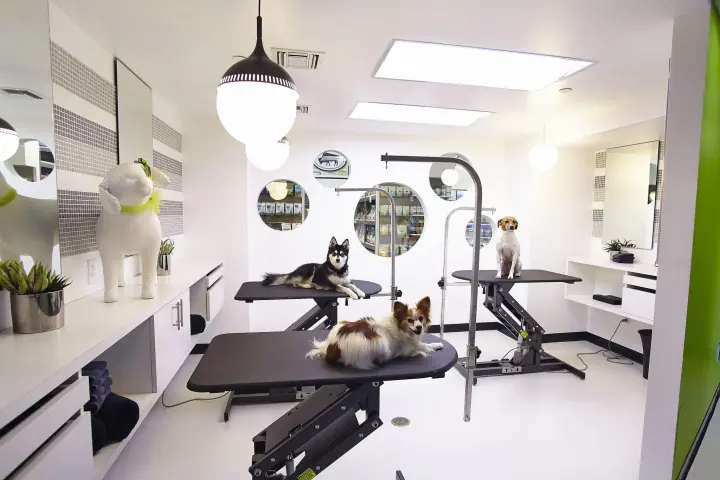
Pet Store Automation
Pet storesCheck feed availability without calling staff.Feed, accessories, stock, and regular customers
→

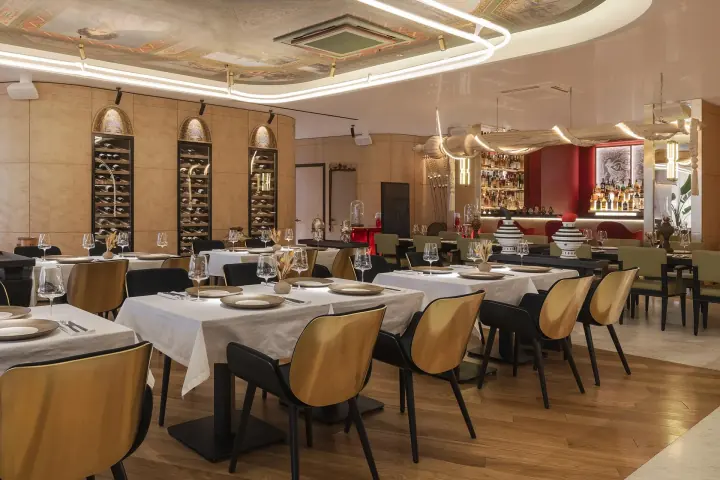
Cafes and restaurants

Track revenue and ingredient use without constant calls to the venue. Orders, the kitchen and ingredient accounting are connected.

Services

See staff workload and order status without piecing together messages. Appointments, jobs, materials and payments share one system.


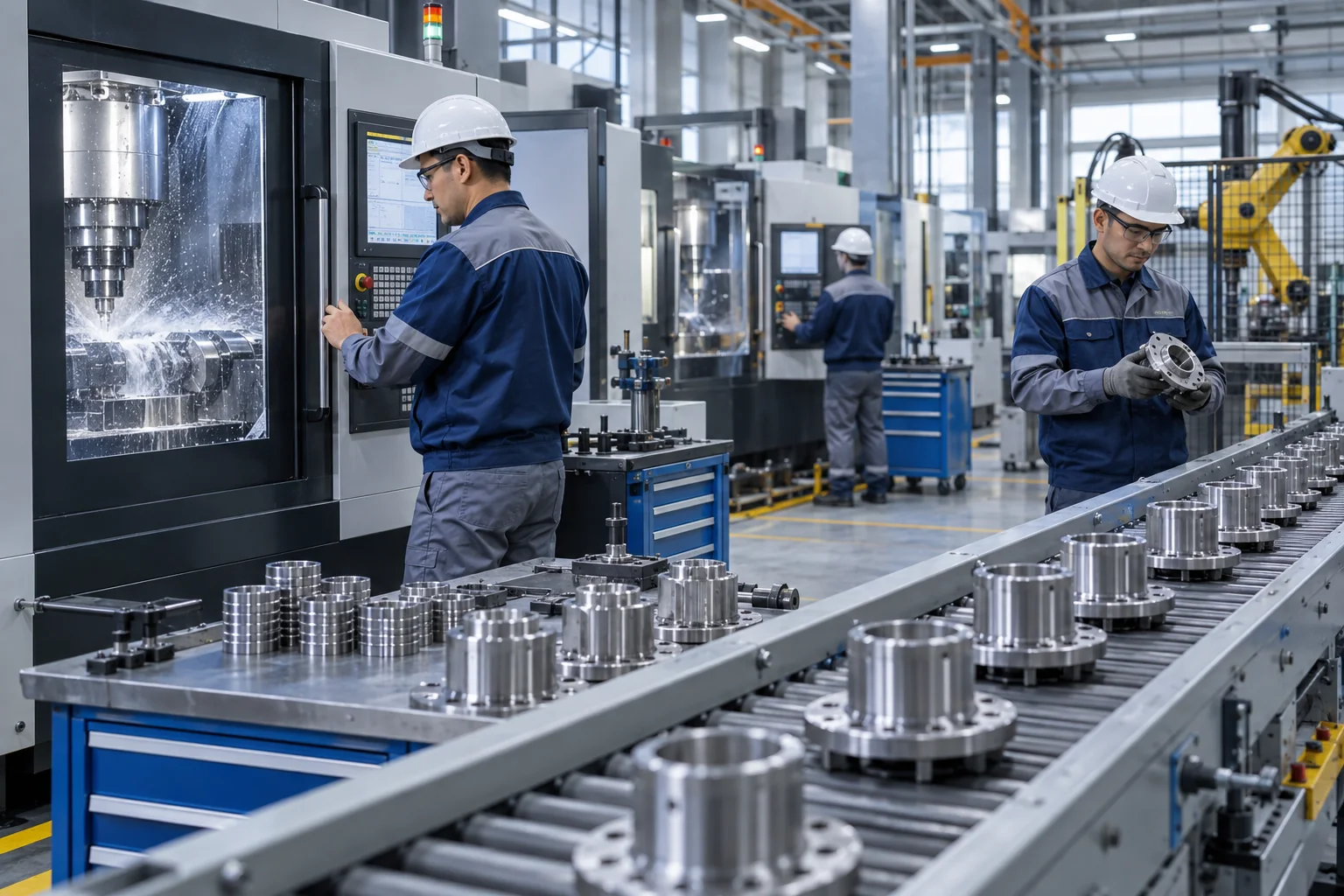
Production

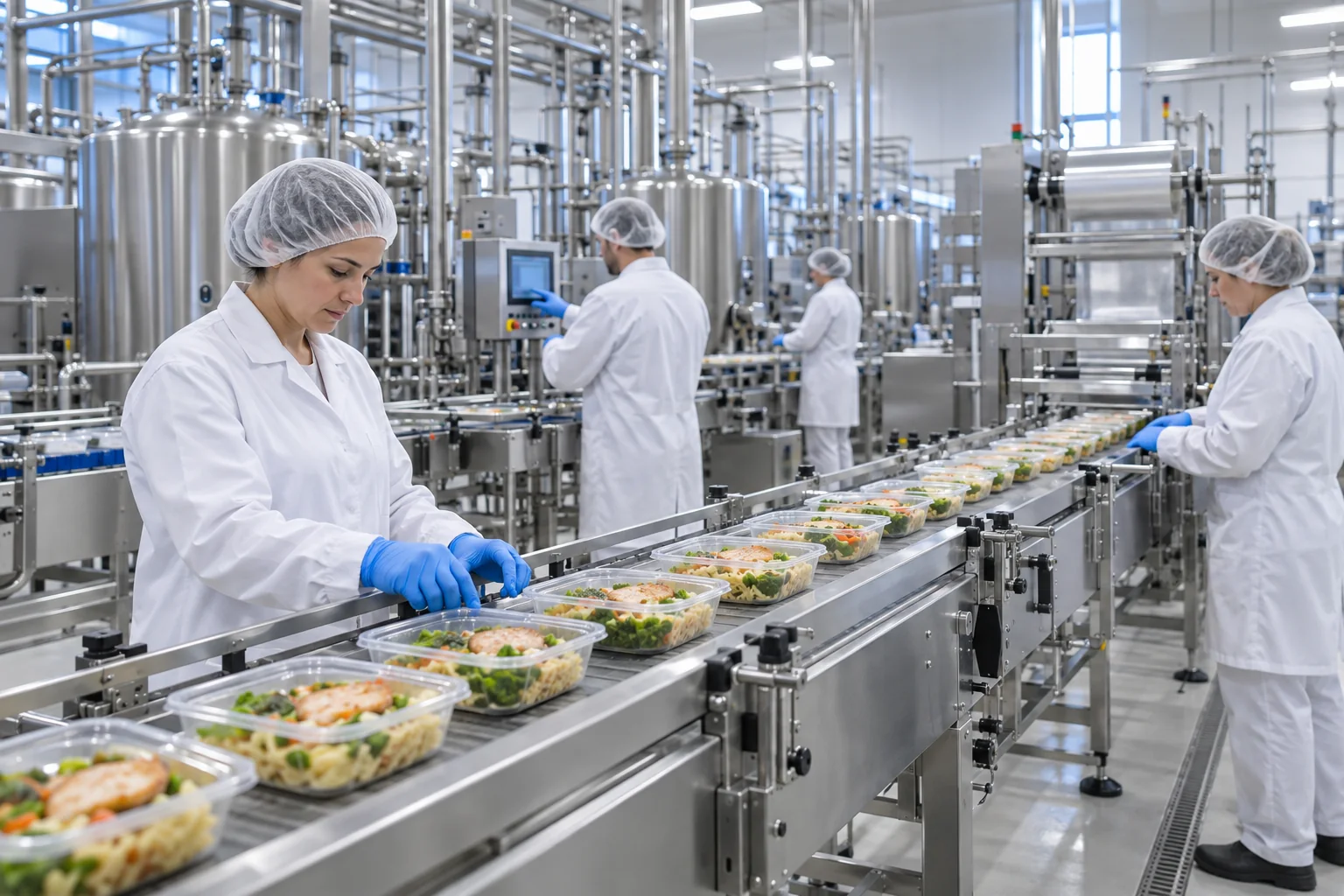
Compare output, materials and costs in one system. Spend less effort gathering figures from production, inventory and accounting.
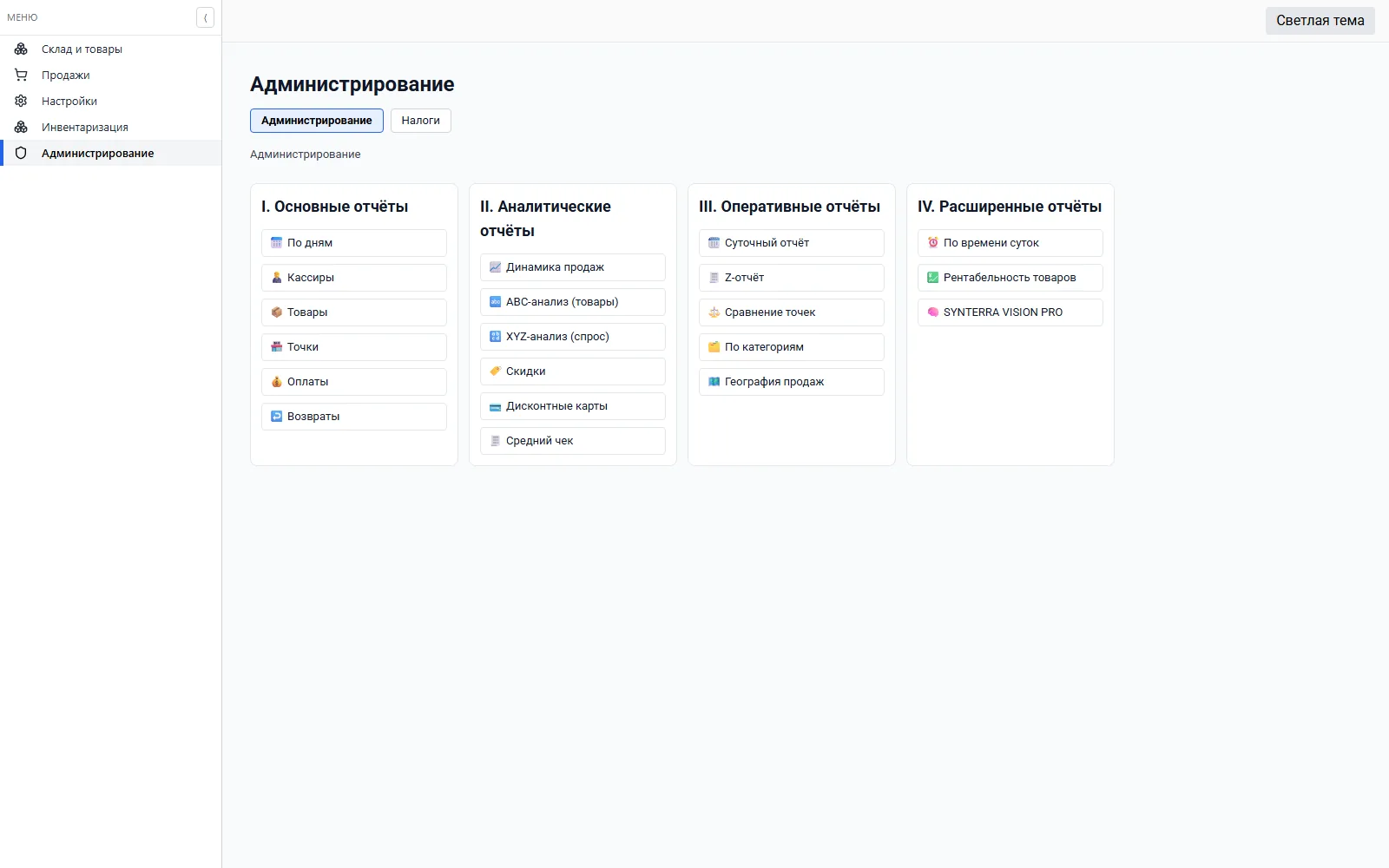
Accounting

Fewer repeated checks between sales, inventory and accounting. Transactions and reporting share the same records.
Common platform core

Businesses are different. The reliable foundation is one.

Industry configuration does not limit growth: processes can be refined, points can be added, and roles can expand as the company develops.

Work without constant internetMain operations are performed locally; connection is needed for updates, exchange, and daily reports.
One store or a chainSYNTERRA Cloud connects directories, transactions, and a consolidated management overview.
Different employee rightsThe administrator, manager, and salesperson work within their areas of responsibility.
Familiar work scenariosThe employee sees operations of their sector, not an overloaded universal interface.
Frequently asked questions

Choice without unnecessary complexity

How to choose a program for my business?

Choose the nearest format: the card shows industry scenarios and tasks. If your processes differ, the SYNTERRA team will clarify the configuration during the demonstration.

Is SYNTERRA suitable for a single point and a chain?

Yes. One point works locally, while SYNTERRA Cloud connects several points, data exchange, and consolidated reports.

Is a permanent internet connection needed?

No. Main operations are performed locally. Internet is needed for updates, data exchange between locations, and daily reports to the manager.

Is it possible to try the system first?

Yes. A 14-day trial period with full access and startup support is available.

If your format is not on the list

Show us what takes up your time

In a demonstration, we will review your daily routine: which figures you gather, what you reconcile and who you have to call. See how SYNTERRA POS, inventory and reports reduce that work and help you stay in control.